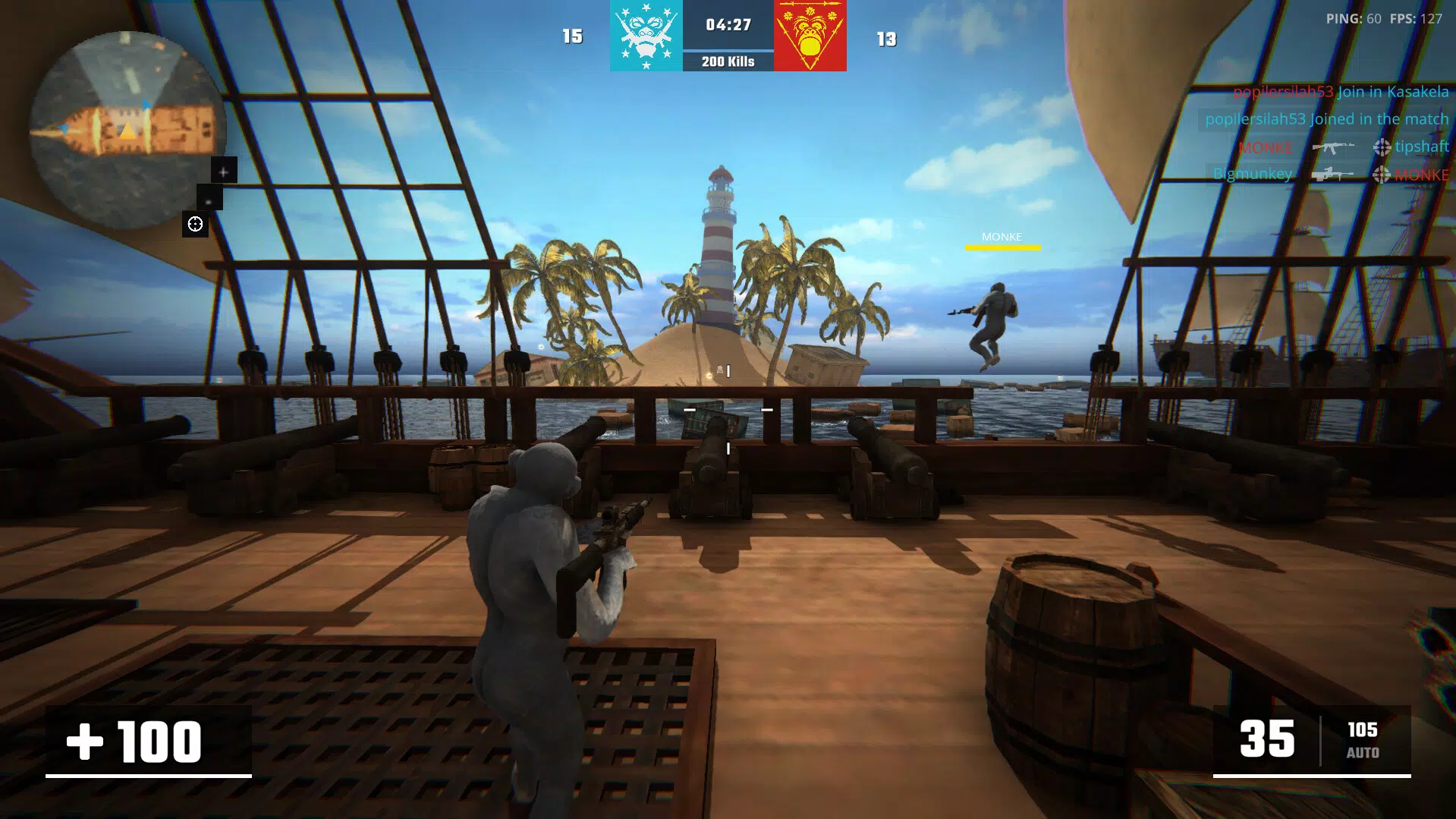
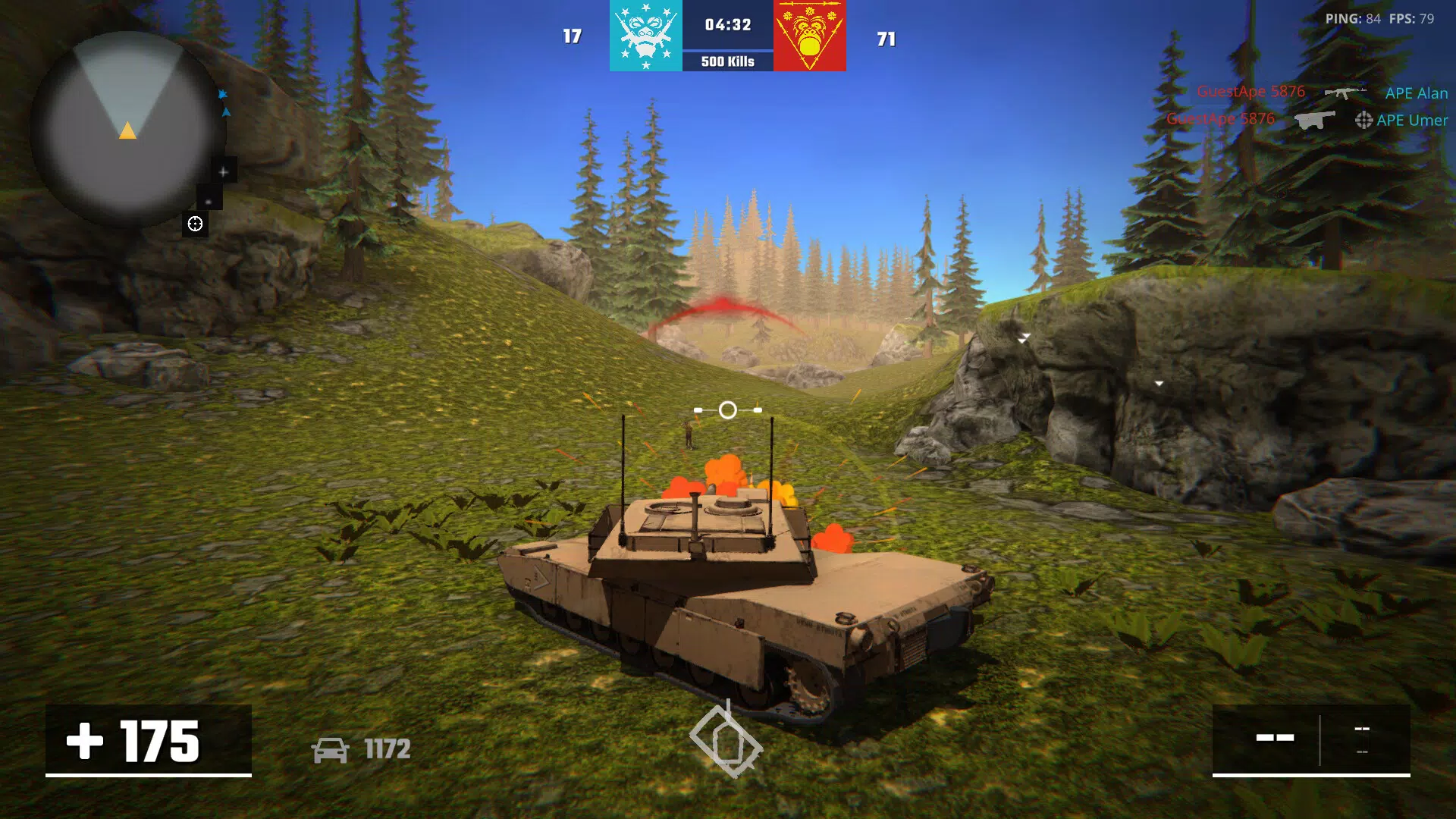
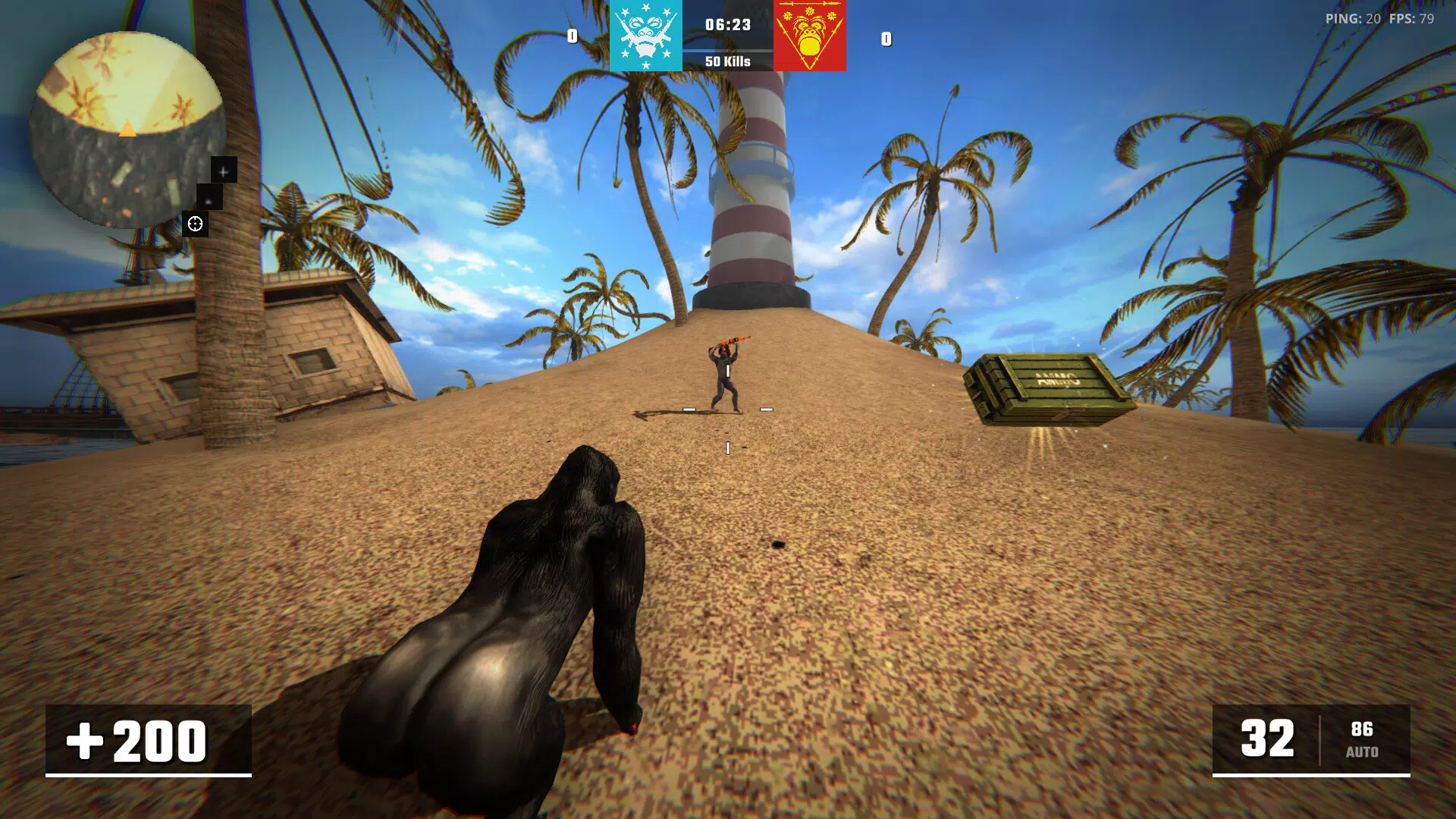


Download Apewar – Monkey Battle Game, Team-Based Gameplay, AI Bots, Realistic Mechanics, Grab Banana Mode, Multiplayer Combat
Overview
Apewar is a mobile battle game that immerses players in a dynamic, team-oriented combat experience centered around assembling monkey squads to dominate in high-stakes skirmishes. Designed for fans of multiplayer action and strategic gameplay, the app offers a unique blend of realism and whimsical theme, drawing inspiration from real-life social dynamics among chimpanzees. The game’s core purpose lies in fostering teamwork, tactical planning, and quick decision-making through competitive modes such as Free for All, Team Deathmatch, and the fast-paced Grab Banana mode.
These modes challenge players not only to outfight opponents but also to coordinate effectively with teammates and AI allies. The target audience includes mobile gamers seeking engaging, fast-moving multiplayer experiences with a creative twist. While the developer, Apewar Team, has not provided extensive background details, the game’s structure suggests a focus on community-driven gameplay and replayability.
Real-world use cases include casual gaming sessions, competitive team matches, and social play among friends. In the mobile gaming ecosystem, Apewar stands out by combining animal-themed visuals with serious mechanics, offering a refreshing alternative to conventional battle royale or shooter titles.
Key Features & Functionality
- Diverse Game Modes: Apewar features multiple gameplay formats, including Free for All, Team Deathmatch, and Grab Banana. In Grab Banana, teams race to collect bananas under enemy fire, adding time pressure and strategic depth to each match.
- AI Bots Support: Players can integrate AI-controlled bots into their teams to fill gaps, provide cover fire, or hold strategic positions, enhancing team resilience and tactical flexibility.
- Realistic Mechanics: The game implements physics-based behaviors such as the risk of staying in water for too long, encouraging careful map navigation and survival-oriented decision-making.
- Varied Maps: A selection of distinct maps with unique terrain, obstacles, and environmental challenges allows for diverse strategies, from ambush tactics to defensive positioning.
- Teamwork Emphasis: The central theme—“Monkeys are strong together”—is reflected in mechanics that reward coordination, communication, and synchronized attacks.
These features translate into tangible gameplay benefits. For instance, in Grab Banana mode, players must balance offensive pushes with defensive holds, requiring real-time coordination. AI bots can serve as buffer units during intense fights, allowing human players to reposition or regroup.
The realistic mechanics add a layer of immersion, making every movement and choice feel consequential. Map diversity ensures that no two matches feel identical, encouraging repeated play and long-term engagement. The game’s design effectively blends fun with challenge, making it suitable for both casual players and those seeking deeper strategic layers.
Interface, UX & Performance
The user interface of Apewar is designed with clarity and responsiveness in mind, prioritizing intuitive navigation and quick access to core gameplay functions. Visual elements are vibrant and thematically consistent, with monkey characters and animated environments that reinforce the game’s playful yet competitive tone. Menu layouts are structured to allow seamless transitions between game modes, team setup, and settings.
The navigation flow is linear and predictable, minimizing confusion during fast-paced matches. Although the developer did not list formal performance metrics, the app appears optimized for smooth gameplay across mid-range Android devices, with minimal lag during combat sequences. Responsiveness is maintained even during high-intensity moments, such as team clashes or banana collection sprints.
Stability is a notable strength, with no reported crashes or freezes in standard use. The game’s performance may vary slightly depending on device capabilities, but general compatibility with Android devices is assumed. The visual style enhances immersion without compromising usability, ensuring that players can focus on strategy and action.
Overall, the UX is polished and user-friendly, supporting both new and experienced players in navigating the game’s mechanics with ease.
Platform Compatibility & Technical Requirements
Apewar is available exclusively on the Android platform, targeting users with Android-based smartphones and tablets. The current version is 1.0.0, with a file size of 2.4 GB, indicating a substantial game build with rich graphics and assets. While the developer did not specify minimum OS requirements, the app is expected to function on Android devices running recent versions of the operating system.
Compatibility with older Android versions was not disclosed. The size suggests the need for sufficient storage space, particularly on devices with limited internal memory. Players should ensure their device meets basic performance standards to run the game smoothly.
No additional hardware requirements were mentioned. The game’s reliance on multiplayer connectivity implies a stable internet connection is necessary for optimal gameplay. Although the developer did not list formal compatibility details, the app appears designed for mainstream Android devices, supporting a wide range of screen sizes and resolutions.
Pros and Cons
- Unique monkey-themed battle concept with a strong emphasis on teamwork
- Multiple engaging game modes that promote replayability
- AI bots provide strategic flexibility and support during gameplay
- Realistic mechanics enhance immersion and tactical depth
- Varied maps contribute to dynamic and unpredictable matches
- Game size is relatively large at 2.4 GB, which may limit access on low-storage devices
- Platform availability is limited to Android only
- No information provided on minimum OS or device specifications
- Developer did not disclose update frequency or long-term support plans
- Multiplayer functionality depends on stable internet connectivity
FAQ
Is Apewar free to download and play?
Yes, Apewar is available at no cost. The app does not require a subscription or in-app purchases to access core gameplay features.
What devices can run Apewar?
Apewar is designed for Android devices. Specific device requirements were not provided by the developer, but the app’s size suggests it is optimized for mid-to-high-end Android smartphones and tablets.
Does Apewar require an internet connection?
Yes, multiplayer modes such as Team Deathmatch and Grab Banana require a stable internet connection to function properly.
Are there in-app purchases in Apewar?
The app is free to download, but the developer did not disclose details about in-app purchases or monetization strategies.
How often is Apewar updated?
Update frequency was not specified by the developer. Players should check the app store for the latest version and release notes.
Final Thoughts
Apewar delivers a refreshing take on mobile multiplayer combat by combining a fun monkey-themed narrative with serious strategic mechanics. Its emphasis on teamwork, supported by AI bots and realistic environmental consequences, sets it apart from standard battle games. The variety of game modes and maps ensures long-term engagement, while the intuitive interface keeps the experience accessible.
Although the app is limited to Android and has a large file size, its strengths in gameplay depth and replayability make it a compelling choice for fans of team-based action. The game’s unique blend of humor and strategy offers a valuable addition to the mobile gaming landscape. For players seeking a fresh, collaborative, and immersive battle experience, Apewar is a standout option.
Download Apewar now.


